How Ping Beacons Help Matchmaking Group Players by Real Ping

In short: Ping beacons let a game measure each player’s real latency before a match starts. The matchmaker uses those measurements to group players who will share a good connection and to offer region choices players can trust. Edgegap’s Unity and Unreal SDKs run the measurement for you, and the matchmaker applies it through a built-in latency rule.
Matches Built on Measured Ping: Players are grouped by the latency they actually measure, which reflects real network routes rather than distance on a map.
Two Layers Working Together: Beacons decide who can play together, then Server Score places the match’s server for balanced proximity across the whole group.
20 Beacons to Measure the Bulk of Players: A compact set of cities keeps the check quick and light on the player’s connection. In a test from eight cities, every location’s closest beacon answered in under 55 ms.
ICMP First, Then UDP: ICMP works across the widest range of networks and devices, and measuring the same way everywhere matters more than precision; UDP tracks game traffic more closely where it’s allowed.
Built Into the SDKs: Edgegap’s Unity and Unreal SDKs ping each beacon three times and send the average to the matchmaker automatically.
Before a match starts, a multiplayer game has to answer one question for every player: who can they play with and still have a responsive, fair match? Ping beacons are how many games answer it.
A ping beacon is a lightweight machine that sits in the same data center as game servers, with the same provider and network path. It runs separately from them, so ping traffic never competes with live matches. Each player pings a handful of beacons before queueing, and one beacon’s reading stands in for the hundreds to thousands of game servers in its location. The matchmaker uses the results to keep players on compatible connections together.
Measuring matters because the map can’t answer that question on its own. In a small Globalping test Edgegap ran in November 2026, a home internet connection in Cairo reached a public cloud server in Frankfurt in 62 ms. A cloud server in the UAE, about 500 km closer, took 151 ms. Routes, not distance, set the ping a player feels. (For more on why, see Edgegap’s Netcode Fundamentals guide.)
This article covers what ping beacons can do for a game, how they work alongside server placement, and the practices that keep their measurements accurate, with technical input from Jakub Motyl, Product Lead at Edgegap. For a short definition, see the ping beacon entry in Edgegap’s glossary.

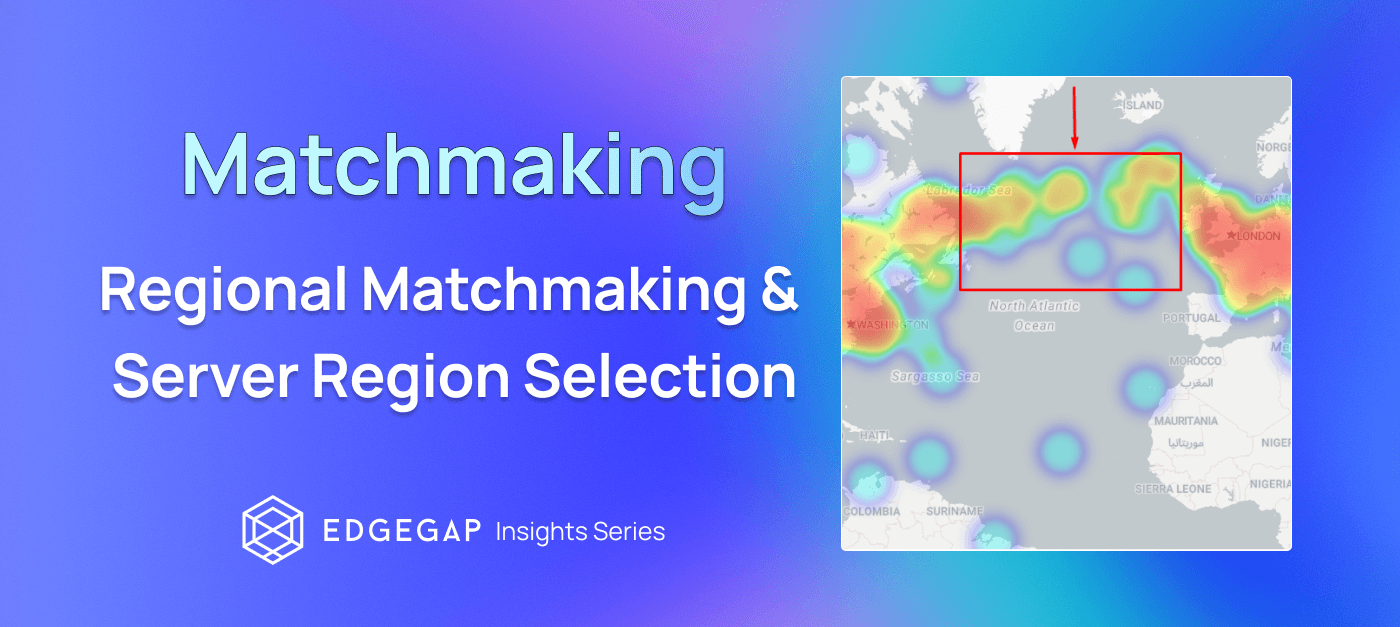
This map from the Edgegap dashboard shows ping beacons as of November 2026. Beacons change over time, and numbered dots group nearby markers. It isn’t a list of server locations: game servers deploy across 615+ locations, far more than the beacons shown here.
What Can Ping Beacons Do for Your Game?
Beacons exist because of timing. When matchmaking runs, the match’s server usually hasn’t started yet, so there’s nothing to ping. A beacon stands in for the game servers in its data center, which gives the game a real latency reading at the moment it needs one. That one reading supports several features.
Group Players Who Share a Good Connection
This is the main job. Each player’s beacon results travel with their matchmaking request, and a latency rule compares them. Players are matched only where their ping sits under a set limit, and only with players whose ping to the same location is similar.
The result is a lobby where nobody is fighting the connection. That matters most in competitive and fast-paced games, where a gap of tens of milliseconds between players changes who wins a duel. For a deeper look at the trade-offs, read Edgegap’s guide on how to improve your multiplayer’s latency through your game’s matchmaking.
Let Players Choose a Region with Confidence
Players already look for this information. Searches like “League of Legends server ping test” or “ping test Mumbai server VALORANT” come from players who want to know their ping to each region before they queue.
Beacon results can answer that inside the game. Edgegap’s documentation describes two patterns:
Region selection: measure latency to every beacon and enable the regions under a threshold, keeping matches under about 200 ms.
Hub selection: the same idea at city level, using the beacon’s City property, with a threshold of about 150 ms. The docs suggest naming this screen so players understand hubs are a starting point, not the full list of server locations.
A picker built this way shows each player choices that work for their own connection. Players can still choose a region themselves. Edgegap’s docs show how: the game sends a low placeholder ping (25 ms in the docs’ example) for the region the player picked, so the matchmaker places them there. The docs also suggest warning players that a manual choice may increase their latency.
Sort a Server Browser by Ping
Games with a server browser can use the same measurements. Players ping the beacons just as they would for matchmaking, then send a filter that lists only the cities with acceptable latency. The browser returns servers in those locations, sorted by the latency each player measured from their own device.
How Ping Beacons and Server Placement Work Together

Beacons decide who plays together. They don’t decide where the match is hosted. That’s a second step.
Once a match forms, Edgegap places its server using the Server Score strategy, which aims for roughly equal network proximity for every player in the match. Server Score is built on Edgegap’s patented placement methodology, which picks a location for each match individually. Its inputs are documented: the players’ public IPs or geo coordinates from the deploy request, plus Edgegap’s own network telemetry. Studios can also shape the result. A game can send the coordinates of each player’s fastest beacon instead of an IP, add location filters to the deploy request, or lock matches to set regions where regulations require it. The Edgegap dashboard shows a heatmap of where matches were placed, so a studio can check how those choices play out. The two layers are independent by design. As Jakub Motyl put it, the ping beacon and Server Score “don’t know about each other at all.”
The separation lets each layer do one job well. Beacons give a fast, consistent reading for grouping players. Server Score then picks from a much larger set of locations: Edgegap deploys game servers across 615+ locations, far more than it runs beacons. As a result, the server a match lands on is often closer to its players than the nearest beacon.
Best Practices for Ping Beacons
Ping beacons are simple to use, and a few choices make their readings more reliable. These are the practices Edgegap’s SDKs and documentation follow.
Use a Compact Set of Beacons
Edgegap runs 20 ping beacons in different cities. That number is deliberate.
Each beacon adds pings to every player’s check before every match. A compact set keeps the check quick, keeps traffic low on the player’s connection, and avoids the kind of burst of pings to many addresses that an ISP can treat as suspicious. And because beacons group players rather than place servers, 20 cities give enough detail. In Jakub Motyl’s words, they are “more than sufficient to prevent matching players who would not have a good matchup together.”
Pick the Right Ping Protocol
Edgegap’s beacons answer ICMP, UDP and TCP pings. Edgegap recommends ICMP first, then UDP.
ICMP is the default because it works across the widest range of networks and devices, including mobile networks, which often block UDP pings. For ping beacons, compatibility matters more than precision. As Jakub Motyl explained, “What matters is having the same method everywhere, and the relative difference between ping from different beacons - not approximation of the real game server ping.”
UDP comes next, and it is the more precise option where networks allow it. Game traffic usually runs over UDP, and UDP pings can be routed differently from ICMP, so they follow roughly the same path as a real match’s traffic.
Some firewalls and carriers block ICMP, which is also why, as Chris of Battle(non)sense notes in his Netcode 101 primer, many game servers don’t answer a player’s command-prompt ping. On those networks, UDP and then TCP, timed on the connection handshake, take over.
Beacon ports are assigned at random, the same way deployment ports are, so clients read each port from the beacon list rather than hardcoding one. Edgegap’s docs include ICMP, UDP and TCP ping examples in C# and C++.
Take a Few Samples and Average Them
Edgegap’s Unity and Unreal SDKs send three pings to each beacon and submit the mean latency per beacon city to the matchmaker. Three samples keep the check quick, and averaging smooths out a single unusually slow or fast reply. The manual ping examples in Edgegap’s docs default to five samples per beacon, with a 1,000 ms timeout and 200 ms between samples.
A beacon that doesn’t reply is a normal result, not an error. It tells the matchmaker that this player shouldn’t be grouped with players who have low latency to that location. The one thing to avoid is recording a missing reply as 0 ms, which would make a distant location look fast.
Measure Close to Queue Time
Connections change. A reading taken on home Wi-Fi can differ from the mobile data a player queues on an hour later. Measuring right before the player enters the queue keeps the matchmaker working with the connection they’ll actually play on.
Refresh the Beacon List Before Each Round
Edgegap scales its beacons in real time, so the list is kept fresh. The docs recommend reloading it before each matchmaking round.
Game clients get the list from the matchmaker. Backends can call the /locations/beacons API, which allows 40 requests per second per organization. For games that run their own matchmaking, the docs suggest one central in-memory cache in the backend, refreshed with a single API call every 60 seconds. The pings themselves have no rate limit.
Widen Latency Limits Gradually
Some players have high ping to every location, often because of where they live or how they connect. For them, the docs suggest raising both the maximum allowed latency and the allowed difference between players step by step, the longer they wait.
That keeps queue times in check without lowering match quality for everyone else. Waiting has a real cost: Edgegap’s research measured 34% player churn from waiting in queue. Edgegap’s matchmaker includes both the beacon latency rule and these gradual expansions, so a game can tune the balance between match quality and wait time from its configuration.
This article cites Globalping, the open-source measurement network by the jsDelivr team, and the “Netcode 101 - What You Need To Know” video by Chris of Battle(non)sense, published on YouTube, with technical input from Jakub Motyl, Product Lead at Edgegap. All rights in the original content are owned by their respective owners.
Written by
Jakub Motyl (Product) and Gabriel Parent (Director) for formatting
Matchmaking
Insights Series
Players ask for server region selection to fix inconsistent ping. Latency-based grouping fixes the real problem, with a 28% fairness gain in testing.
Insights Series
Call of Duty ranks players on visible Skill Rating and hidden Raw Skill, with searches twice as long as casual. Lessons for multiplayer game devs.
Insights Series
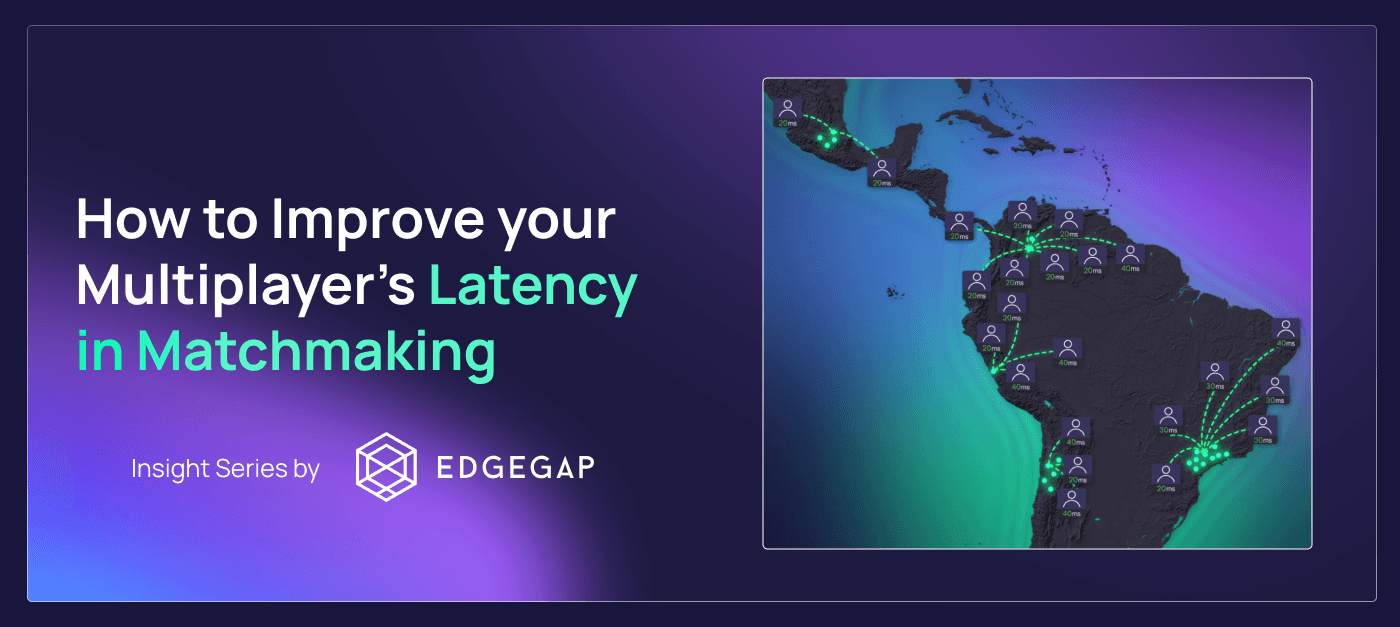
Cutting multiplayer latency takes three layers: player region presets, automated latency-beacon matchmaking, and Edgegap's edge deployment for fair server placement.
1. Are 20 ping beacons enough to cover players worldwide?
For grouping players, yes. On November 23, 2026, Edgegap used Globalping, a free, open-source network of test machines, to ping its beacons from eight locations: Toronto, São Paulo, London, Warsaw, Mumbai, Tokyo, Sydney and Cairo. Each location sent three pings per beacon, the same as the SDKs. Every location reached at least one beacon in under 55 ms, and at least five within 150 ms, the outer limit Edgegap’s docs suggest for showing a city hub (a cut-off, not a target). (Six test machines were on home connections; Mumbai’s was on a hosting network and Cairo’s in a data center.)
2. Is the closest beacon always the fastest?
Not always, which is why games measure instead of guessing from the map. In the same test, the fastest beacon from Warsaw answered in 16.6 ms, while the closest one on the map took 40.2 ms. From Sydney, one distant beacon answered in 94.3 ms, while another, roughly 800 km closer, took 140.2 ms.
3. How can a game track whether players’ connections are good?
By measuring them over time. Edgegap’s docs suggest tracking connection quality in your own client-side analytics, alongside the beacon readings each player sends to the matchmaker. That history can show which players or regions often see high ping, jitter or packet loss, and whether latency limits need adjusting.